12 MUST HAVE Extensions for Cursor
There’s a plethora of IDEs available to developers nowadays, and even more extensions available for those IDEs.
· 3 min read
12 Must Have Extensions for Cursor
There’s a plethora of IDEs available to developers nowadays, and even more extensions available for those IDEs.
My current IDE of choice is Cursor, and one of the biggest benefits is that Cursor a direct fork of **VSCode. **That means that generally most VSCode Extensions also work in Cursor!
In my opinion, a good IDE makes for a happy developer, and great IDE extensions make for a very happy work life.
Everyone wants to have a happy work life so here’s a list of some of my favourite and most loved Cursor extensions!
Better Comments
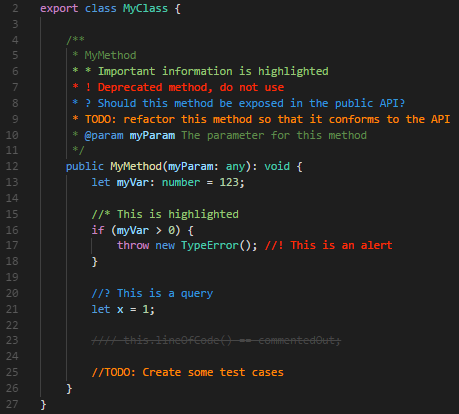
If you’re someone who likes to leave a lot of notes in your code such as TODOs, this extension makes those TODOs pop out in your code, making sure you don’t forget them in the future.
Bookmarks
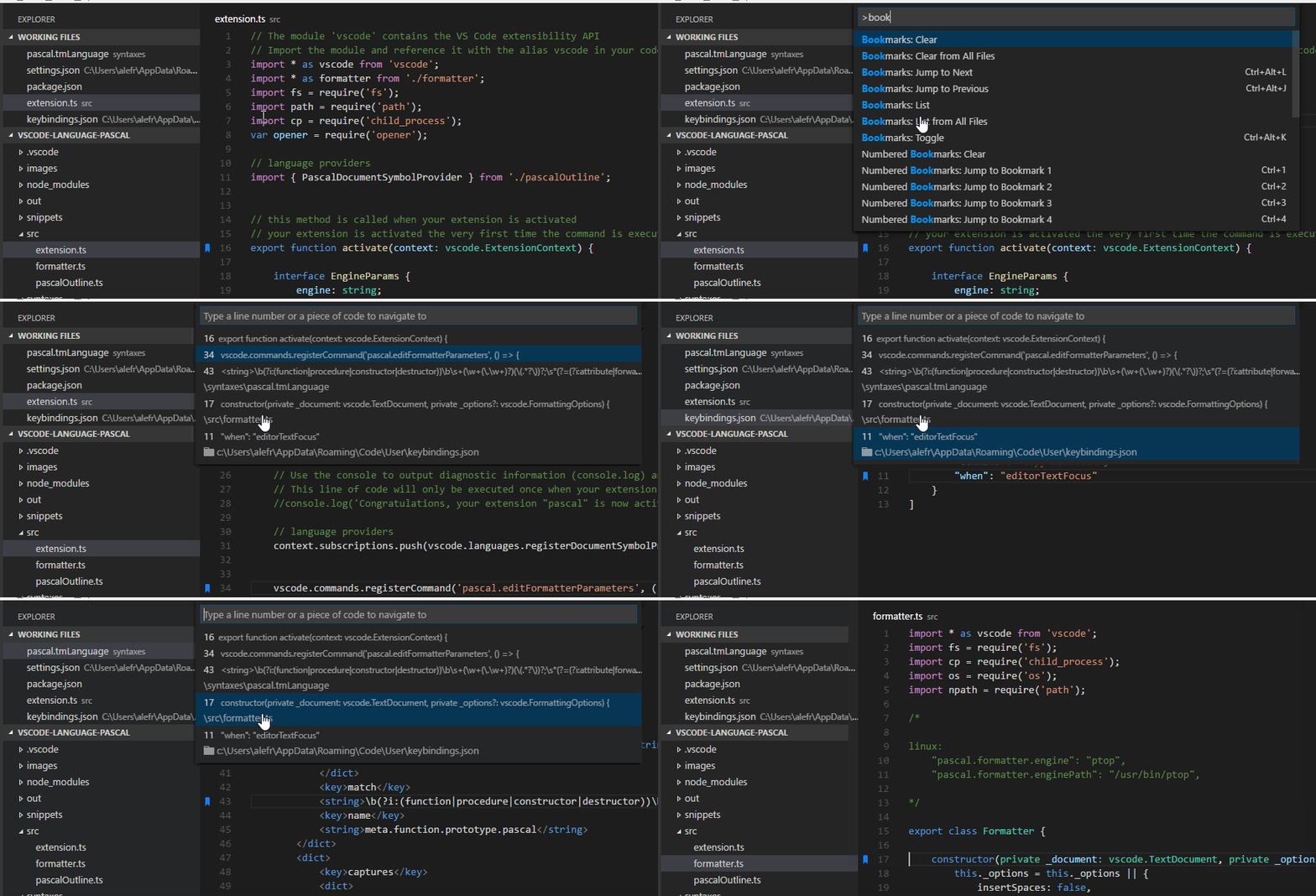
If you’re someone who works with a lot of micro-services and likes to have multiple projects in a single workspace, this extension is a great way to jump between heavily looked at code. This extension also comes with a dedicated section on your side activity bar for quick access.
Color Highlight
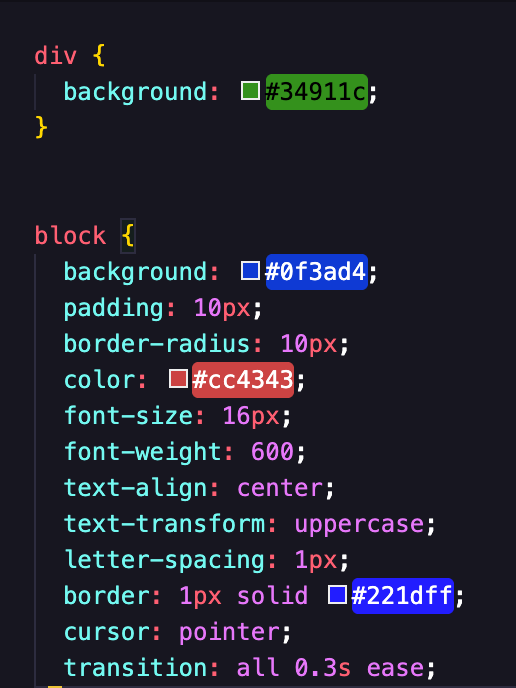
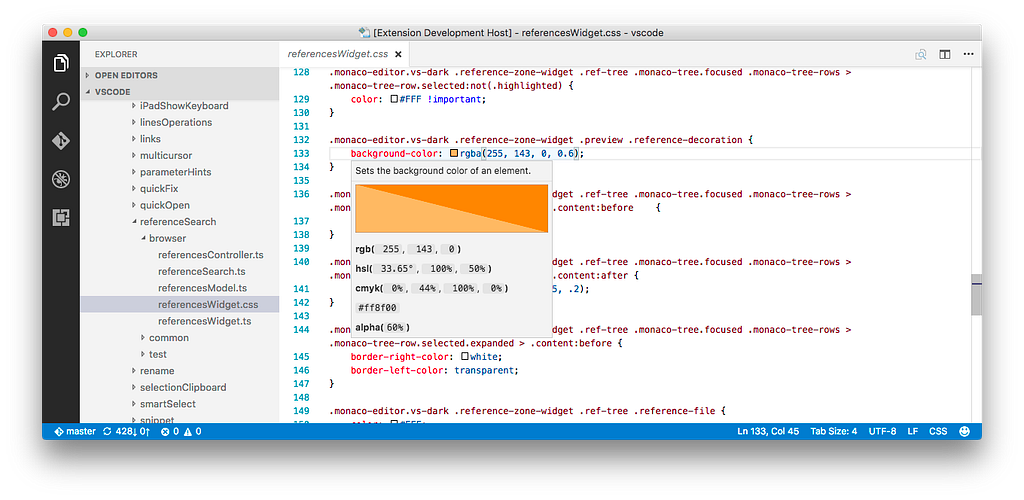
Shows your CSS colours directly inline, so you know exactly what it’s supposed to look like.
Color Info
A great extension to go alongside Color Highlight above. Allows you to see your colors in different formats like rgb, hex, or hsl. Also includes a colour picker.
Github Pull Request
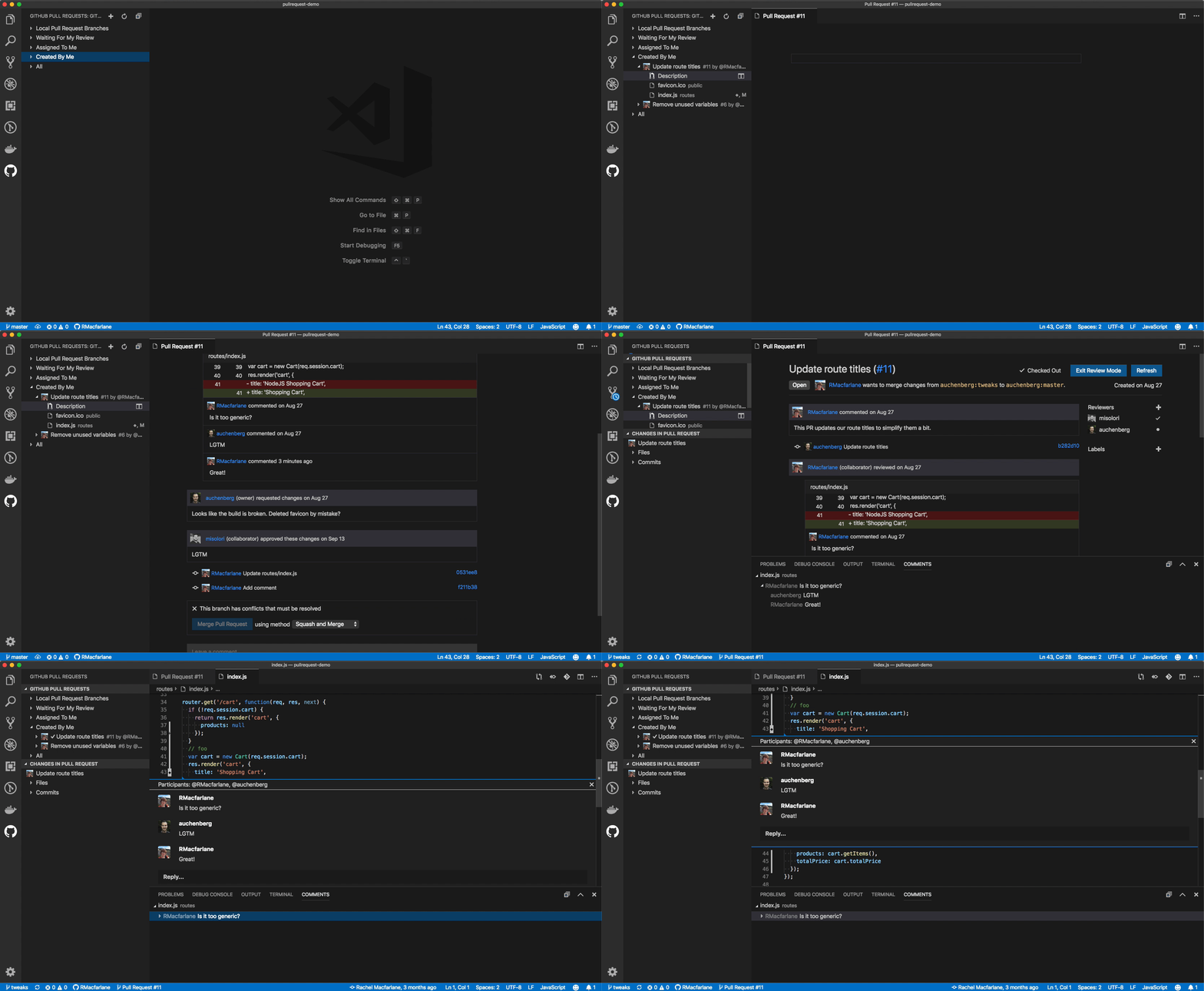
A daily driver for me, for almost 10 years now. Integrates with Github as a section on your side activity bar. Create or view pull requests straight from Cursor. Add reviewers, see comments and it includes comments integrations straight into your code.
Don’t think about it, just get it.
Git Lens
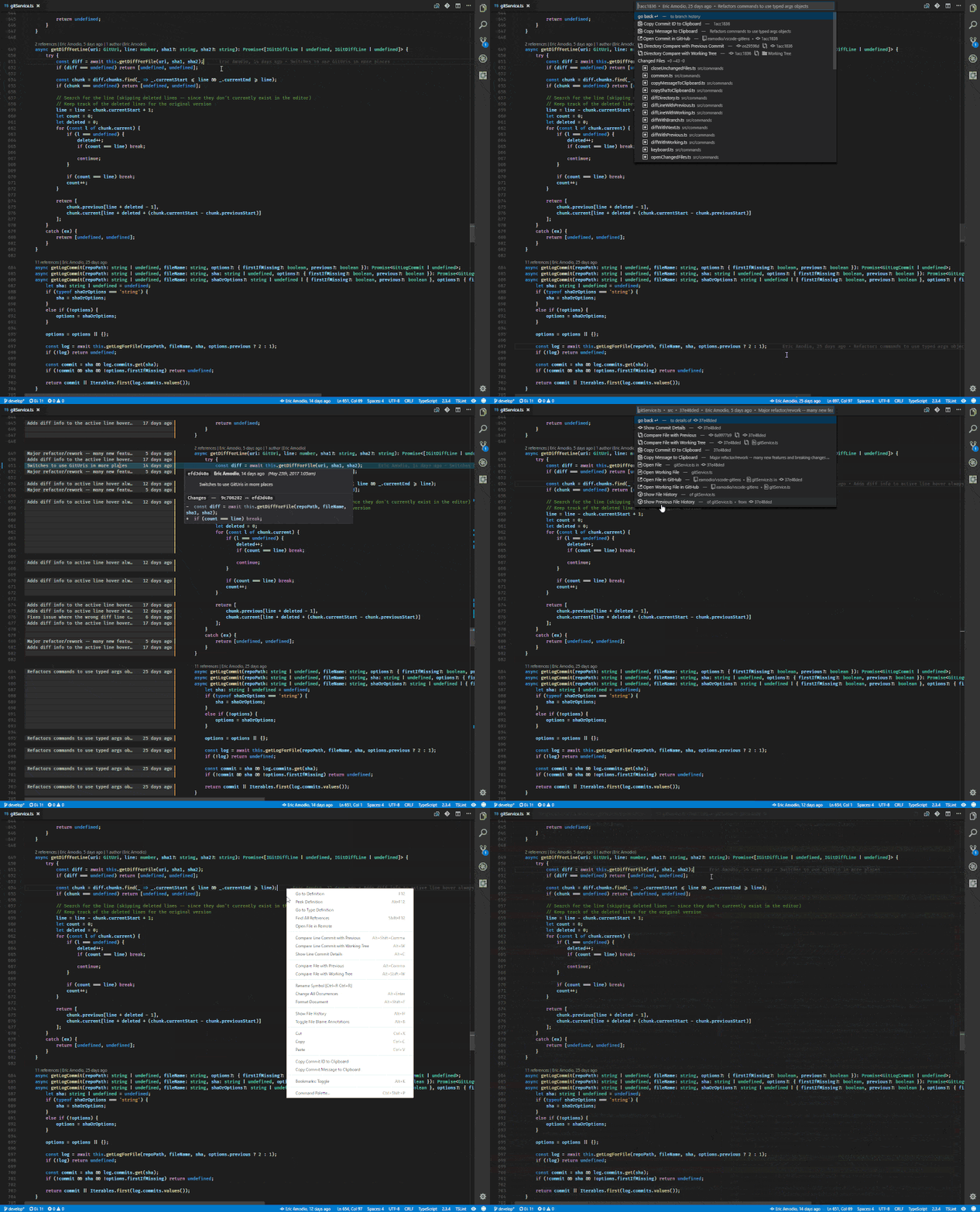
A fantastic tool that really leverages what Git has to offer.
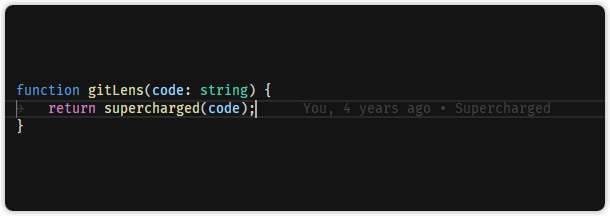
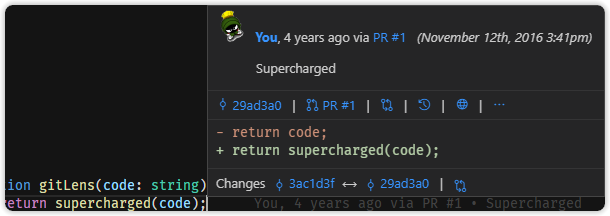
My favourite quick feature is the current line blame annotation. Perfect for finding out that the person who wrote that horrendous, complete disaster and unmanageable piece of code was actually you 3 months ago.
Oops.
Markdown All in One
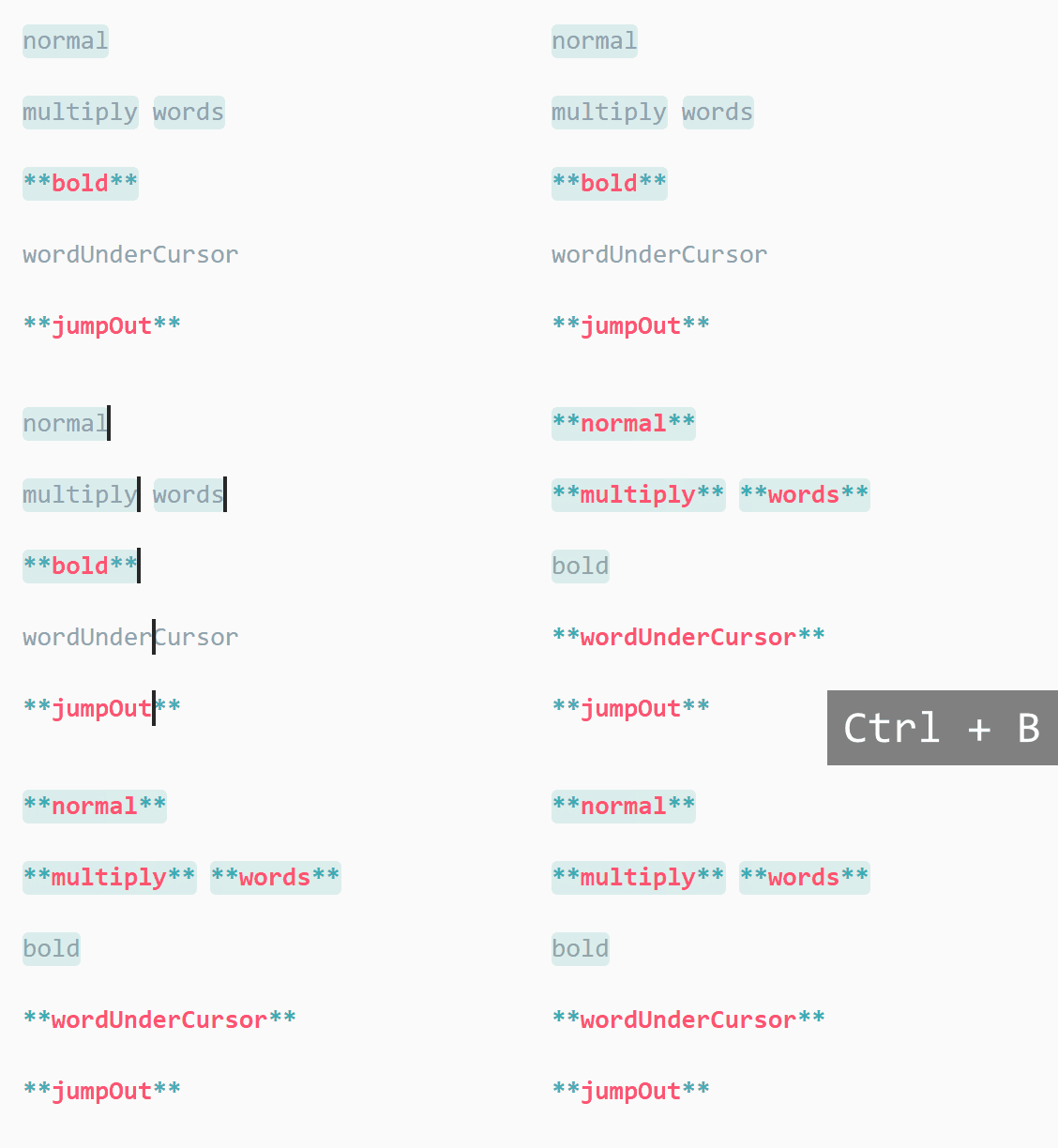
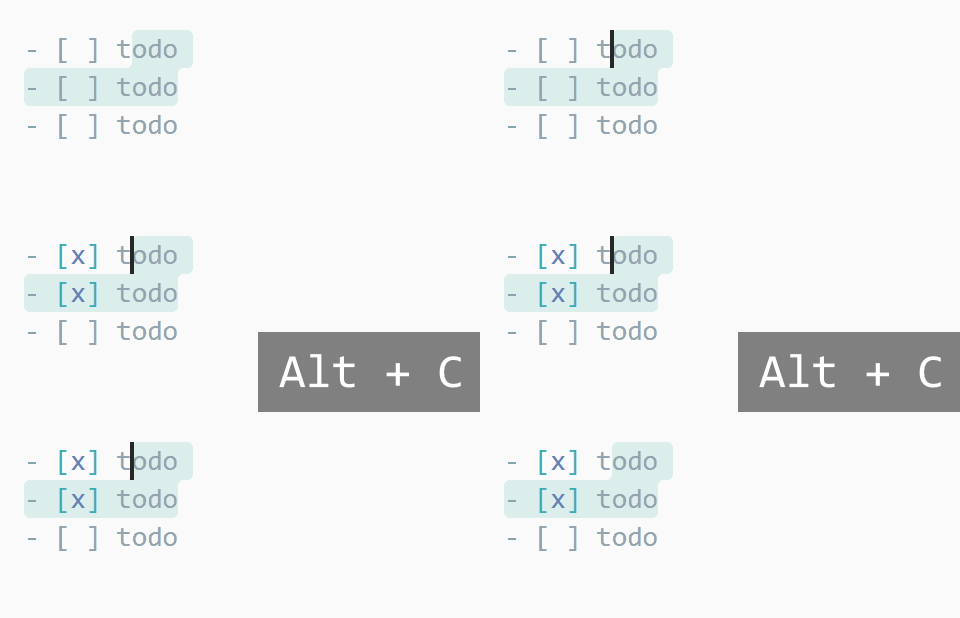
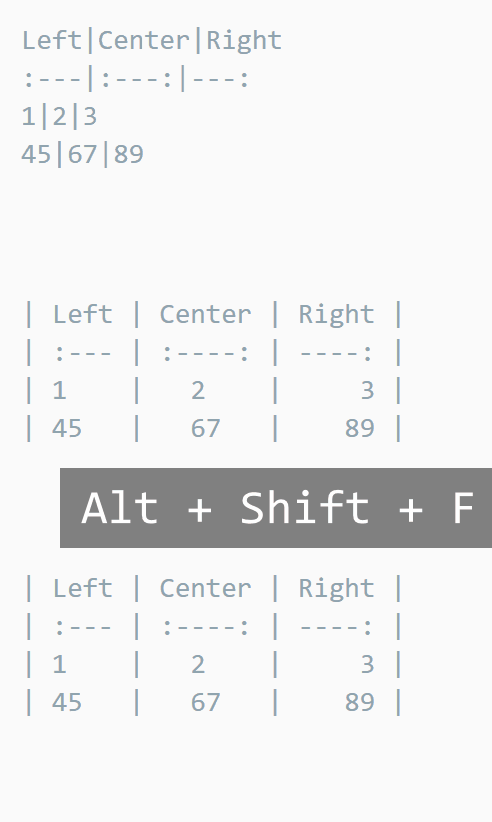
People are writing a lot more markdown for LLMs now. Might as well make your life easier.
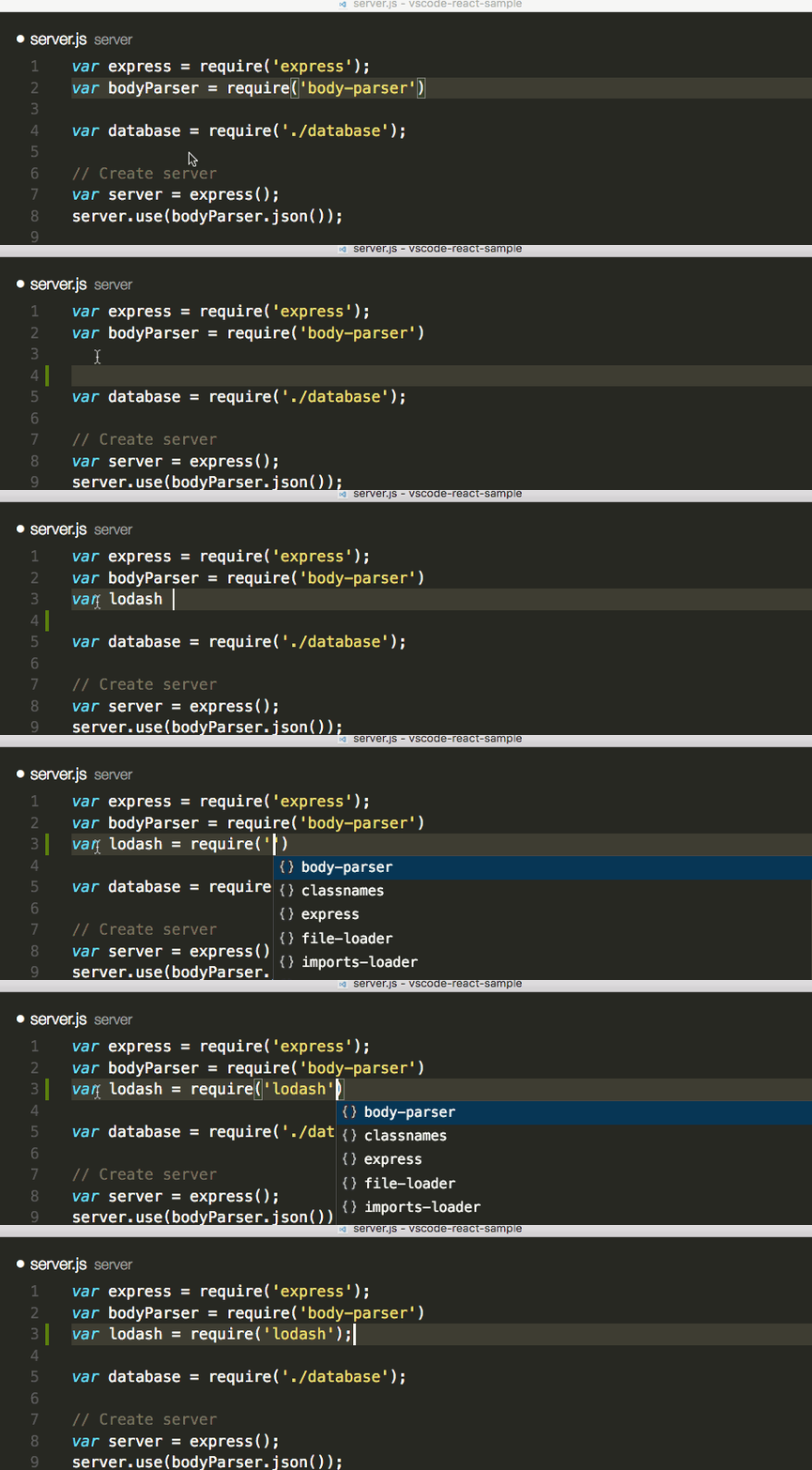
NPM Intellisense
Forget that name of that new package you just downloaded that will solve all of your problems? Don’t worry, npm intellisense has got you covered.
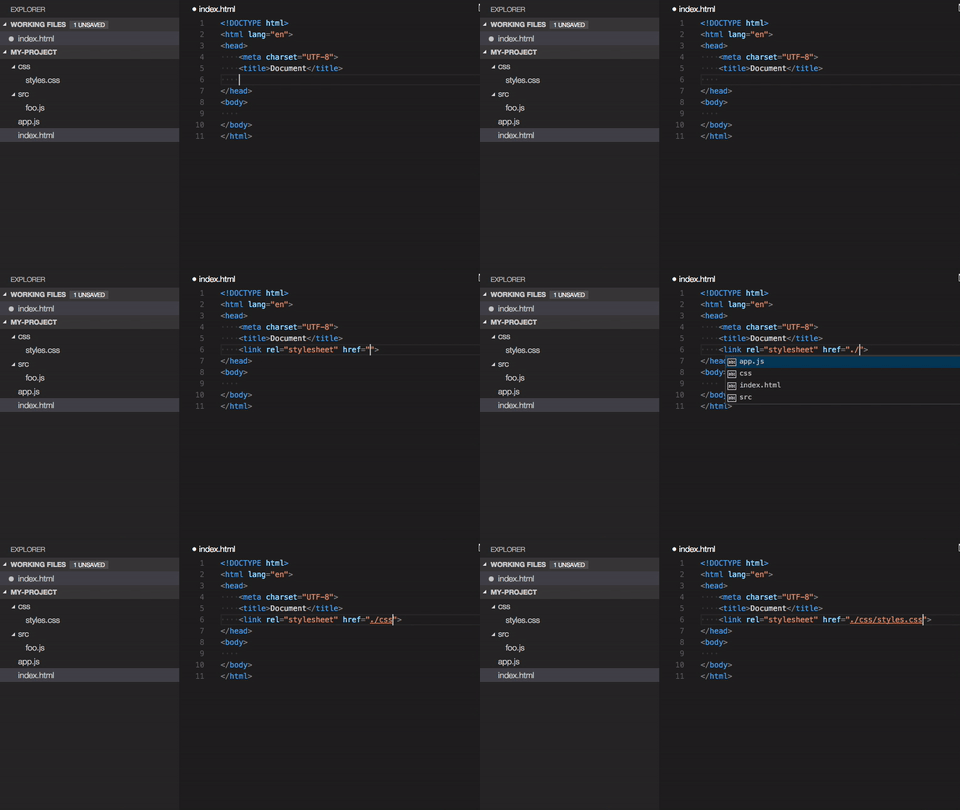
Path Intellisense
Forget that name of that new file you just wrote that will solve all of your problems? Don’t worry, path intellisense has got you covered.
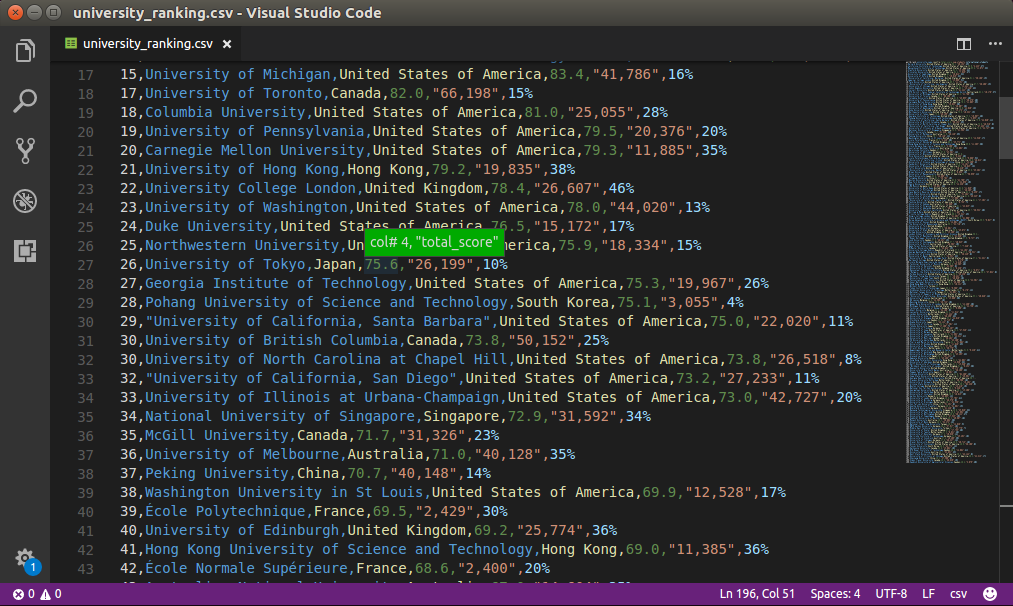
Rainbow CSV
Working with huge CSVs are never fun, but at least you can put pretty colours on it. This extension colour codes different column values so its easier to tell what is what, over the different rows.
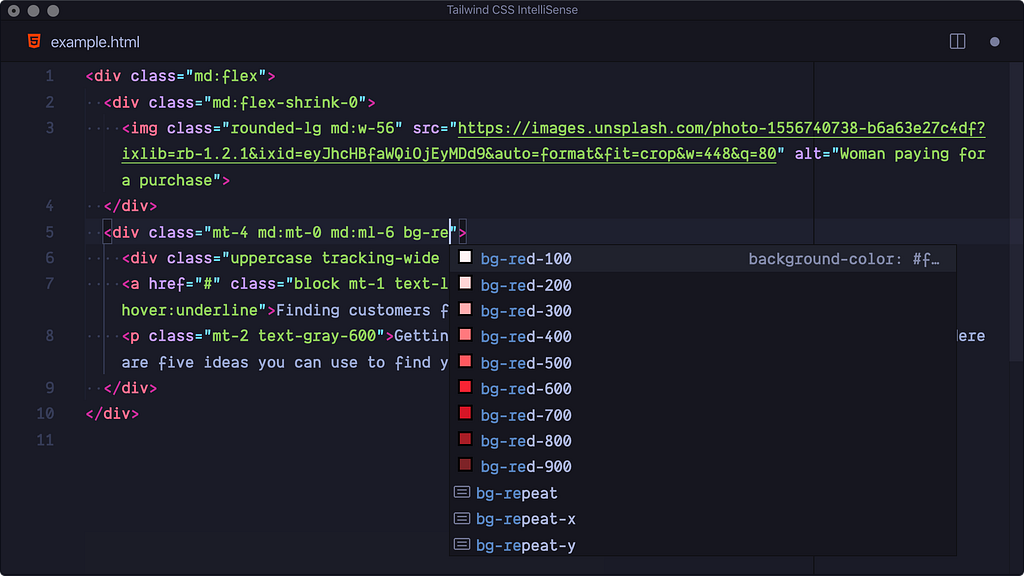
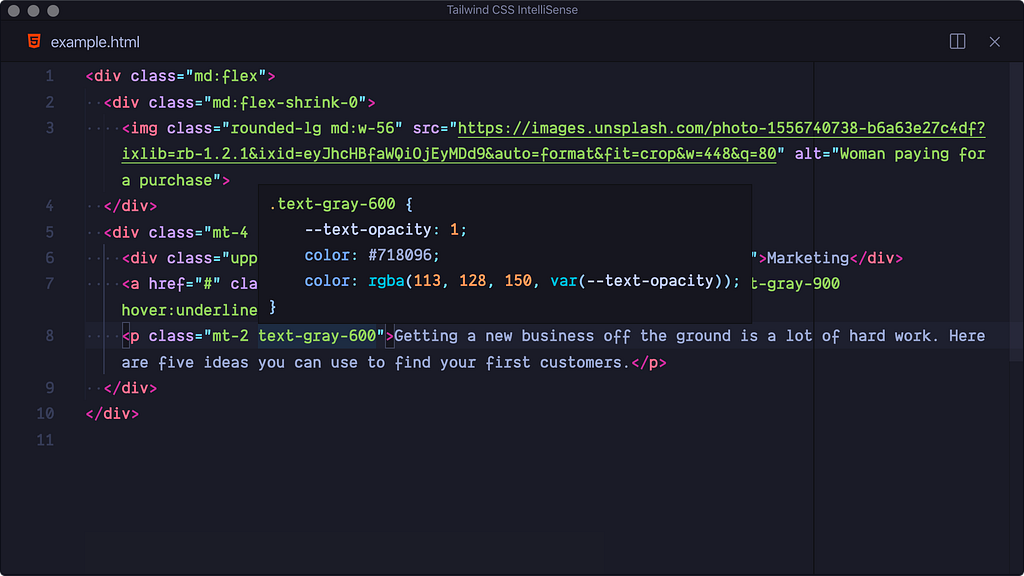
Tailwind CSS Intellisense
Let’s face it, you’re not remembering every combination of Tailwind class there is. Luckily, there’s an extension for that.
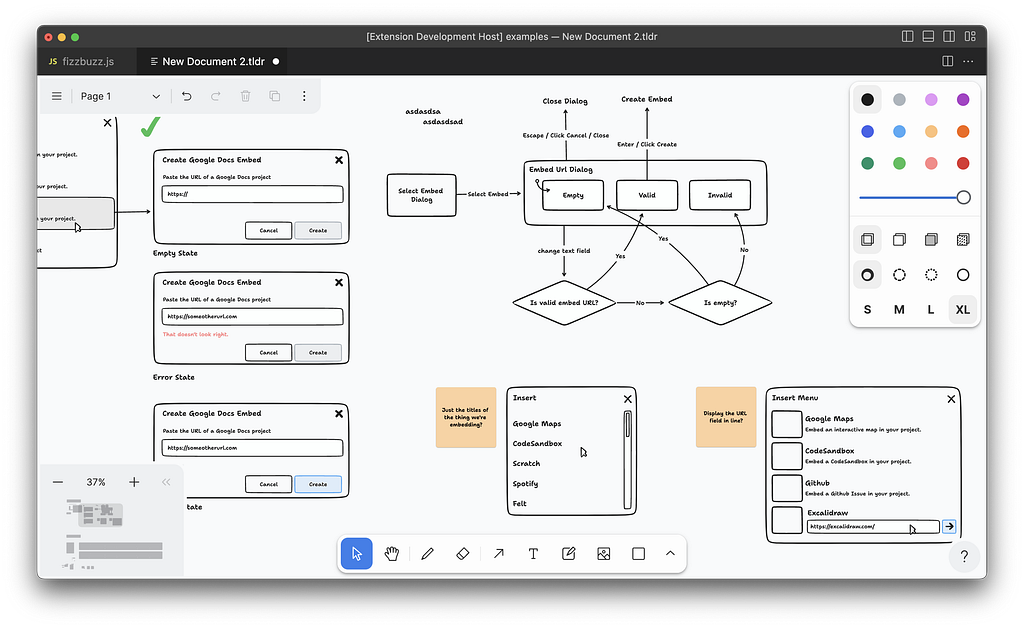
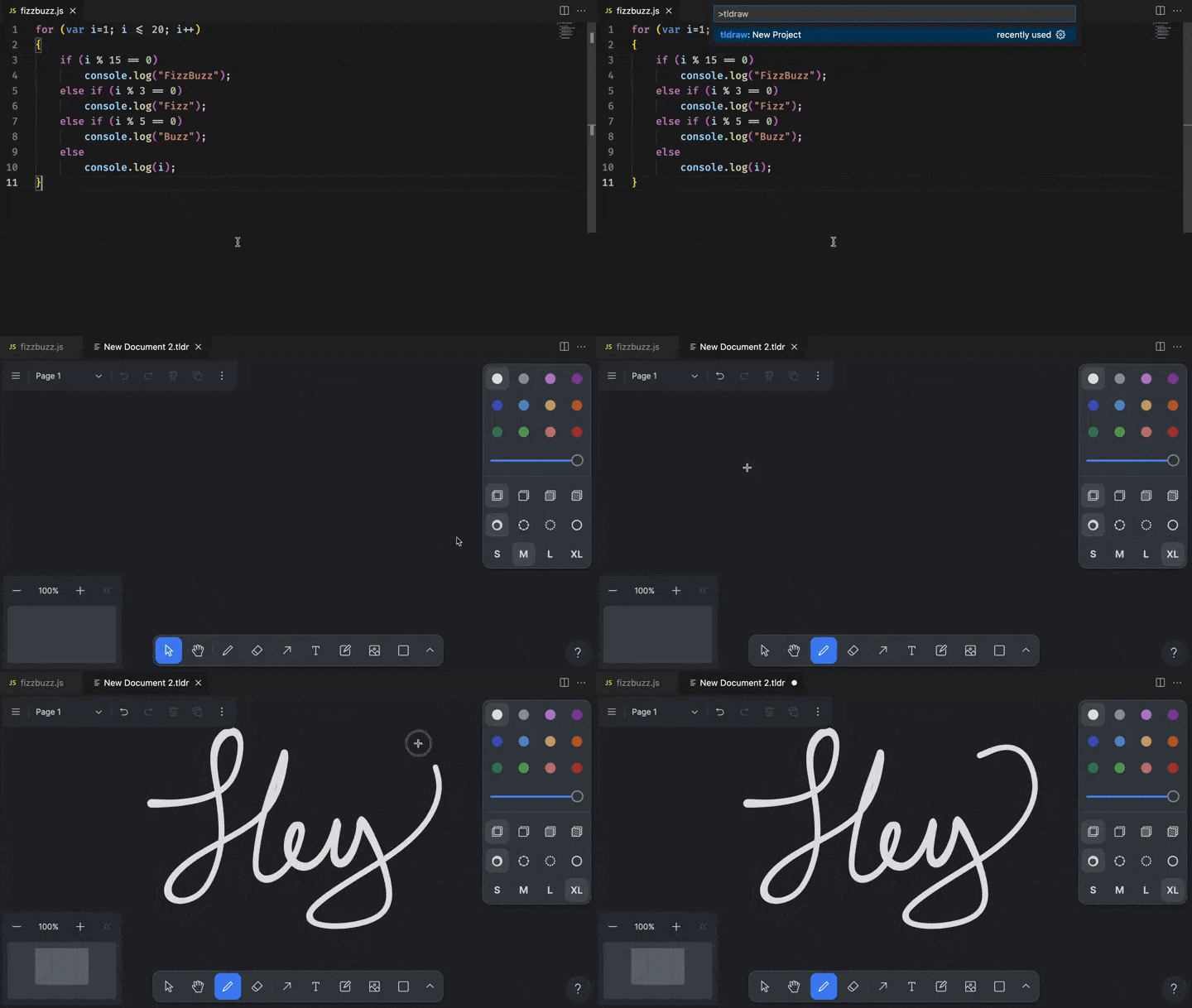
tldraw
My favourite app for making diagrams/whiteboards in the codebase.
And that’s just a portion of my currently installed extensions!
Have a recommendation on an extension I should have?
Let me know in the comments or reach out to me @Linkedin.
6 Essential MCP Servers for Cursor
One of the older protocols (and by old I mean it came out in 2024, and started getting popular in mid 2025) that came out super quickly and super popular was Mo…
Its-Licious: Looking at the Data
I think one of the most interesting parts of any project is looking at the data, and seeing any interesting trends or highlights. For this project I used Google…